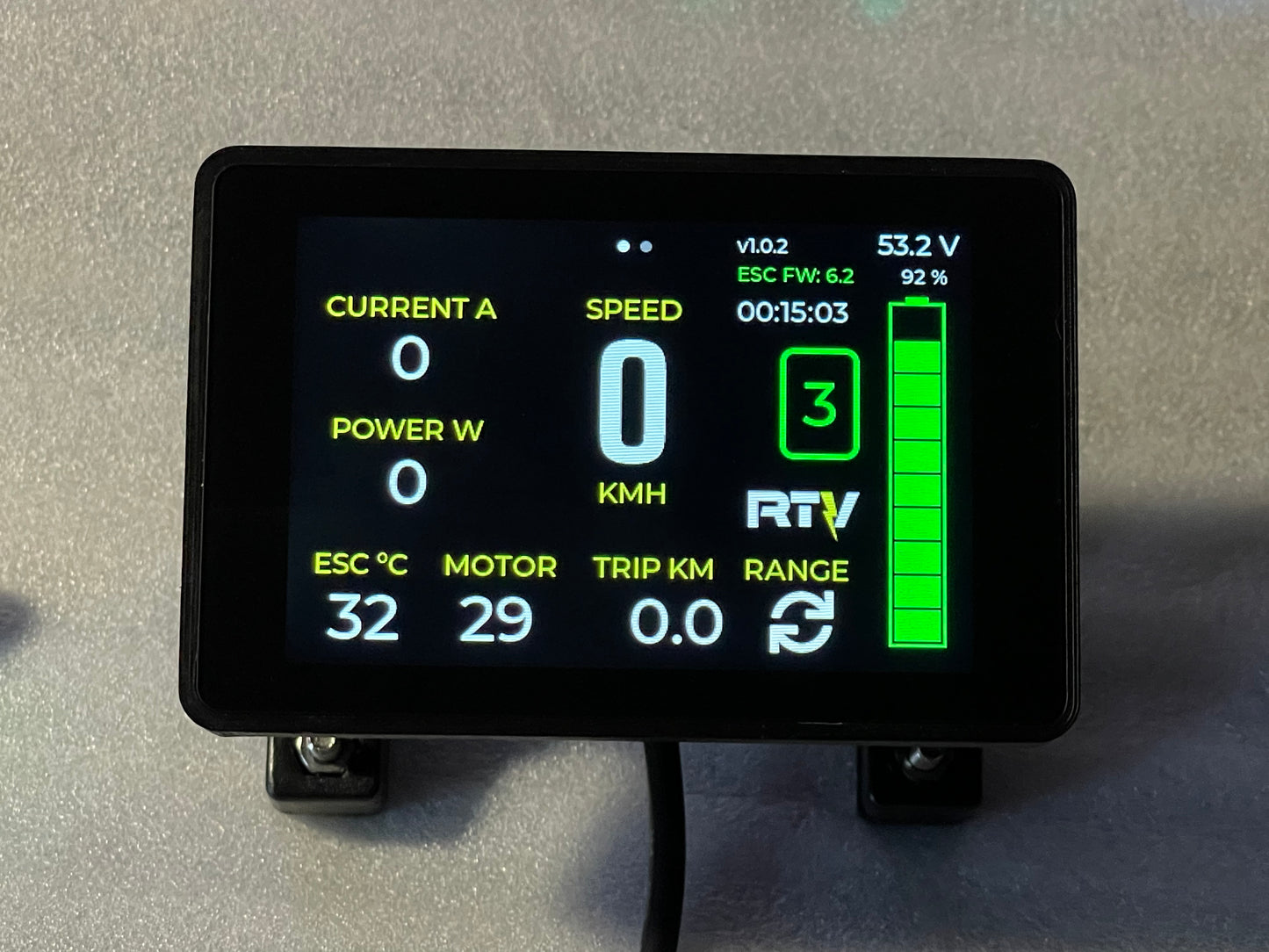
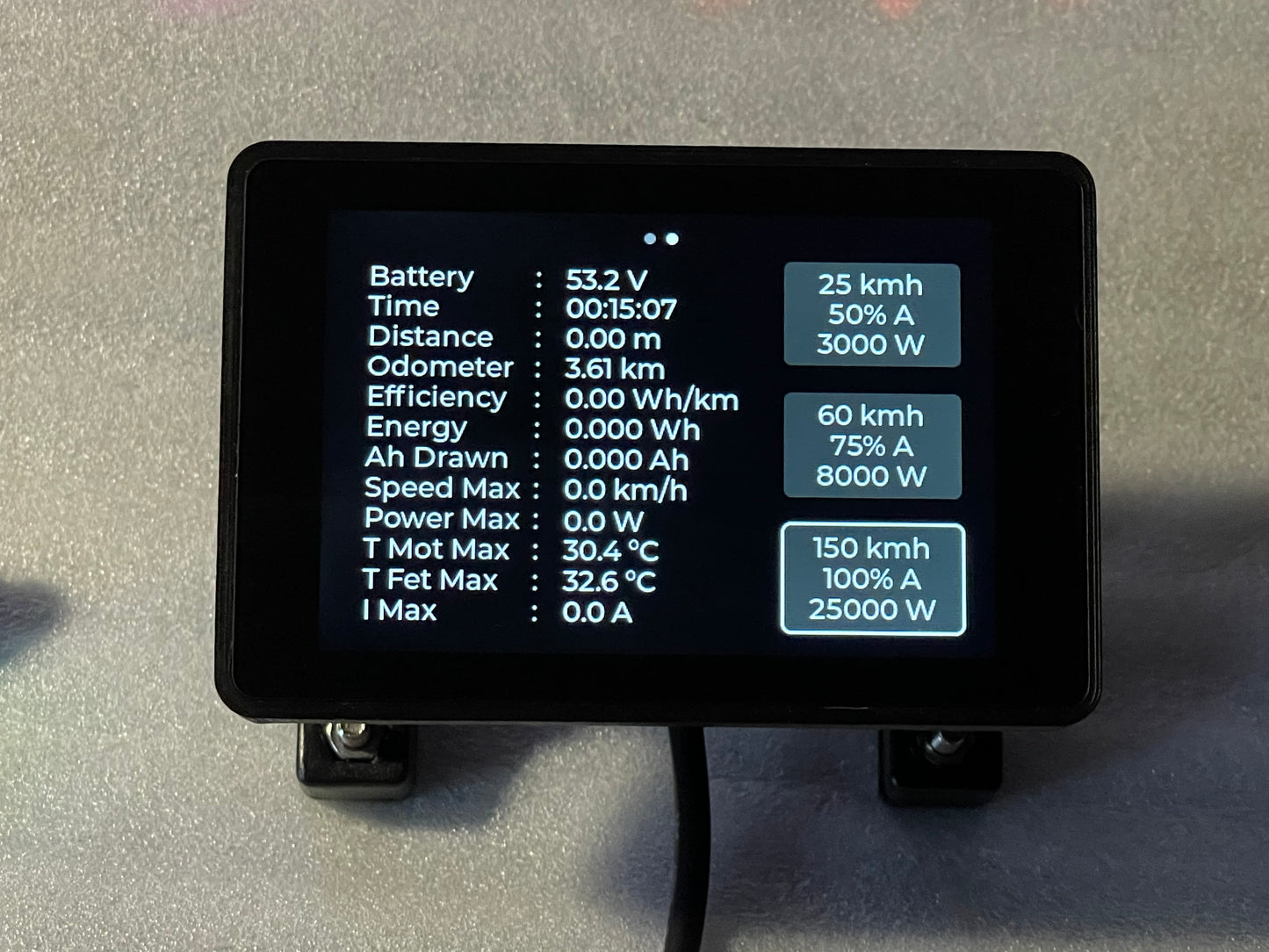
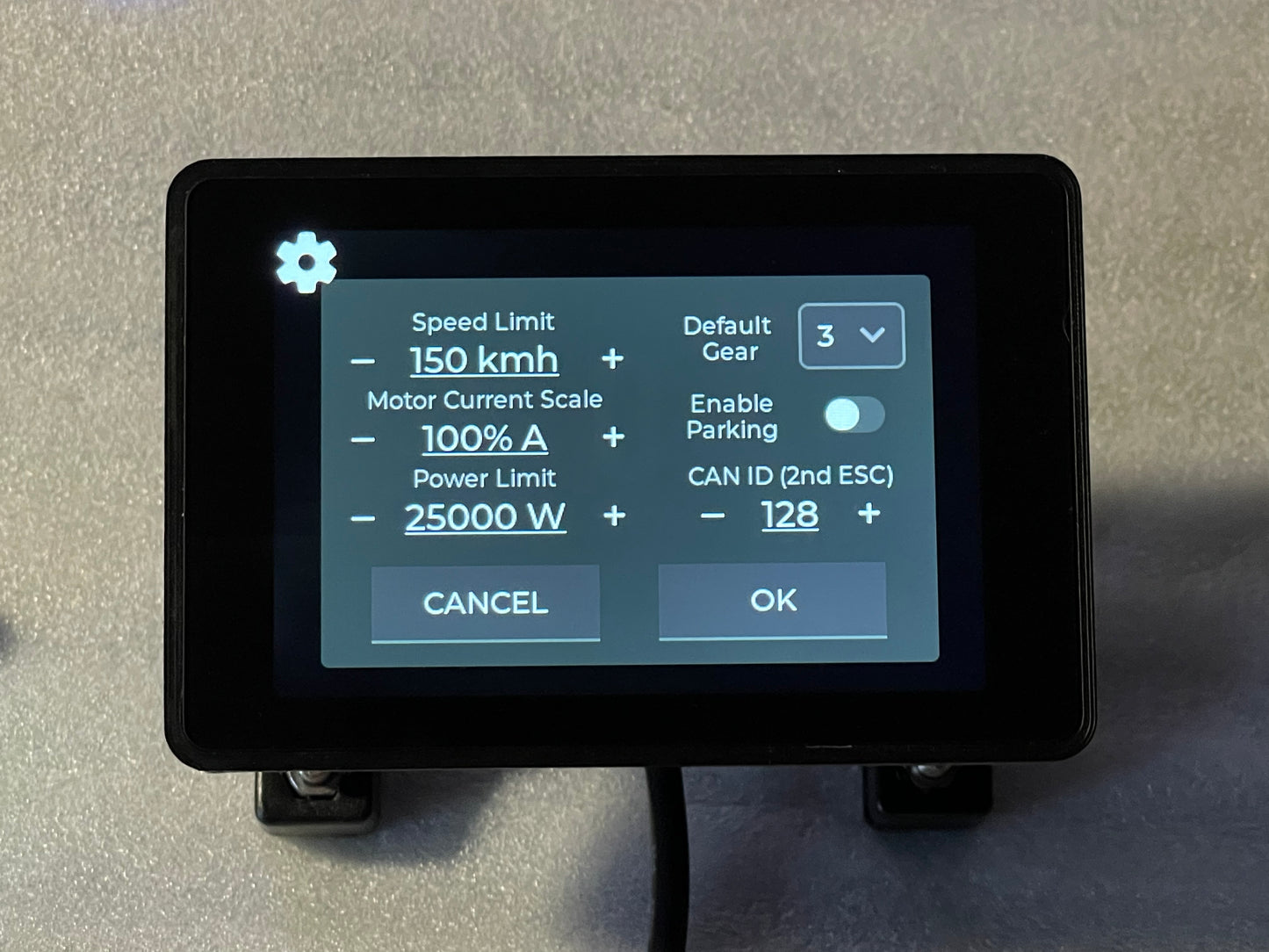
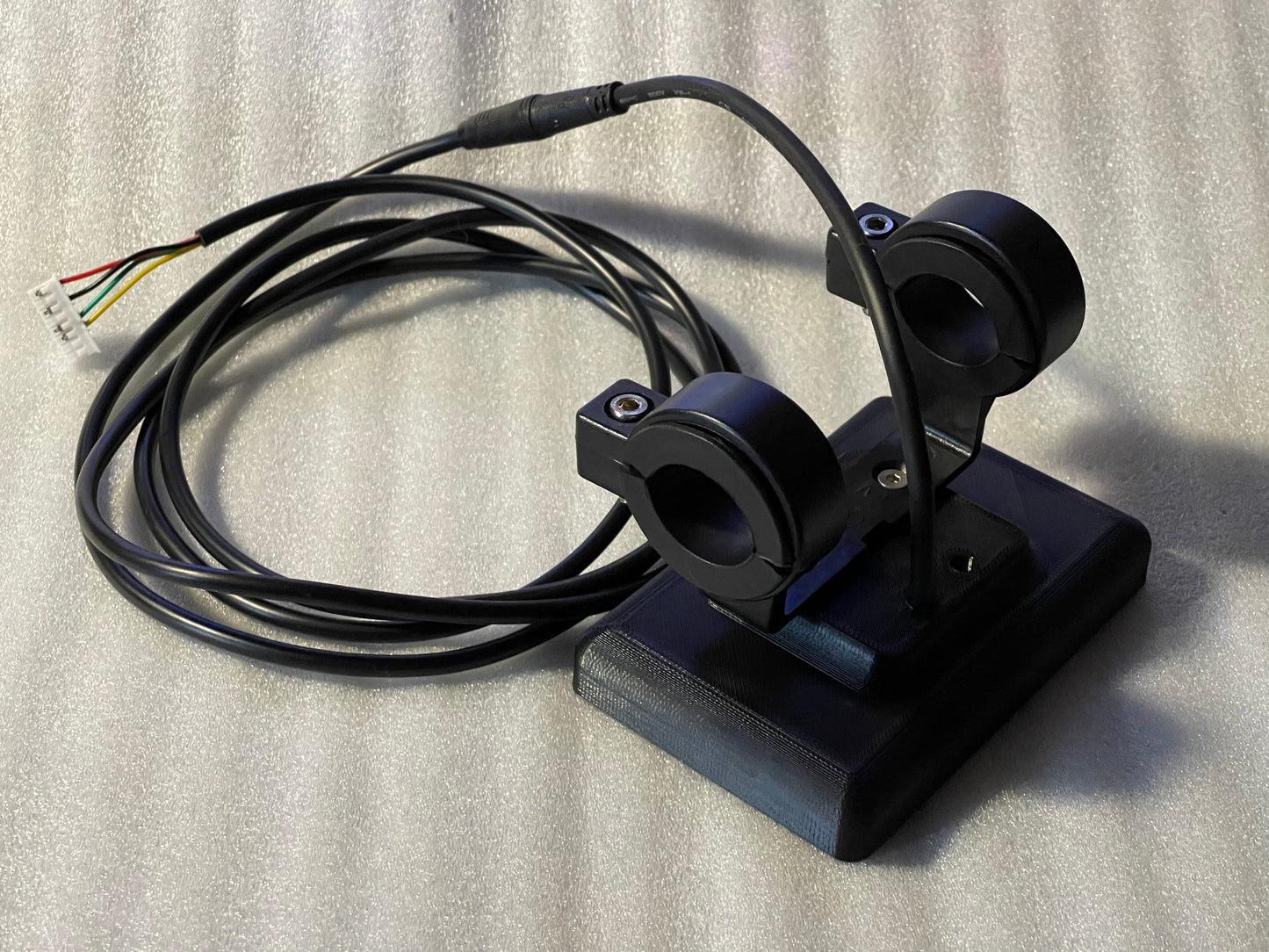
The display has 3 gears in which you can adjust the maximum speed, percentage of maximum current, and power
You can select the default gear in the settings, which will be selected when you turn on the VESC
you can turn on auto parking, which will turn off the throttle 10 seconds after stopping. You can remove from parking by pressing the gear on the display, or by pressing the recuperation handle. When the display sees a negative current on the screen, it will return to the previous gear
the display has a built-in vesc ble uart to configure the vesc controller using the vesc tool
Firmware Update via WiFi
UPDATES> MPH, EUROPE CUSTOMERS PRESETTING FOR 250WATTS IS ALLOWED NOW